
Join in seconds
Party games you join with a room code
Put a game on the TV and it shows a short room code and a QR code. Everyone joins from their phone's browser, with no app and no account, and the phones become answer pads, drawing pads and voting buttons while the TV runs the show.
-
A screen everyone can see
A TV with a web browser, or a laptop plugged into the TV.
-
A phone each
Any phone with a browser. Scan the QR code on the TV, or type the room code at joto.games/join.
-
Free, nothing to install
No app, no download, no account. 1 to 10 players, depending on the game.
Debug list: every game this page was built with, whatever the desk's visibility switch says.
Games
-

Bad Answers
Write the worst possible answers. Vote for the best worst ones. -

Reel Recall
Know the movie. Read the room. Take the box office. -
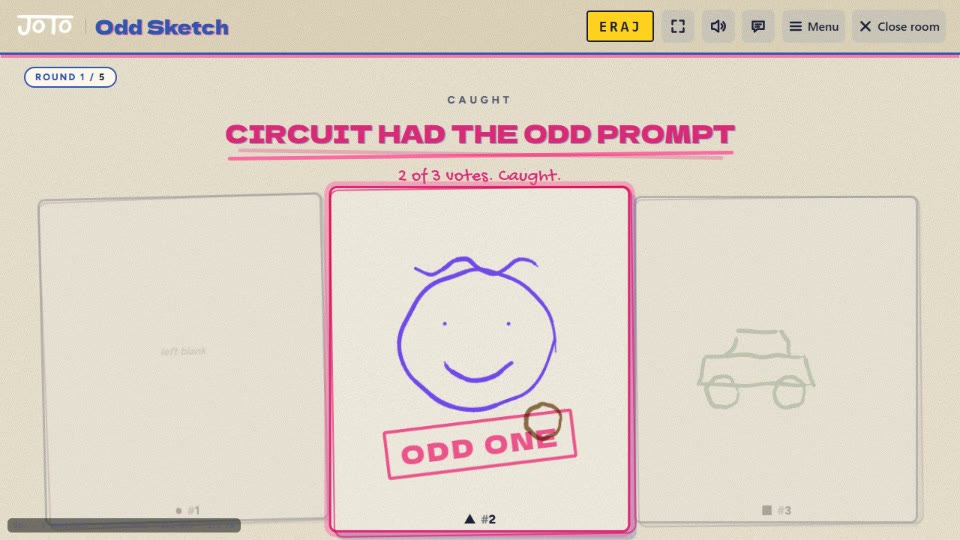
Odd Sketch
Everyone draws the same prompt. Except one of you. Find them. -
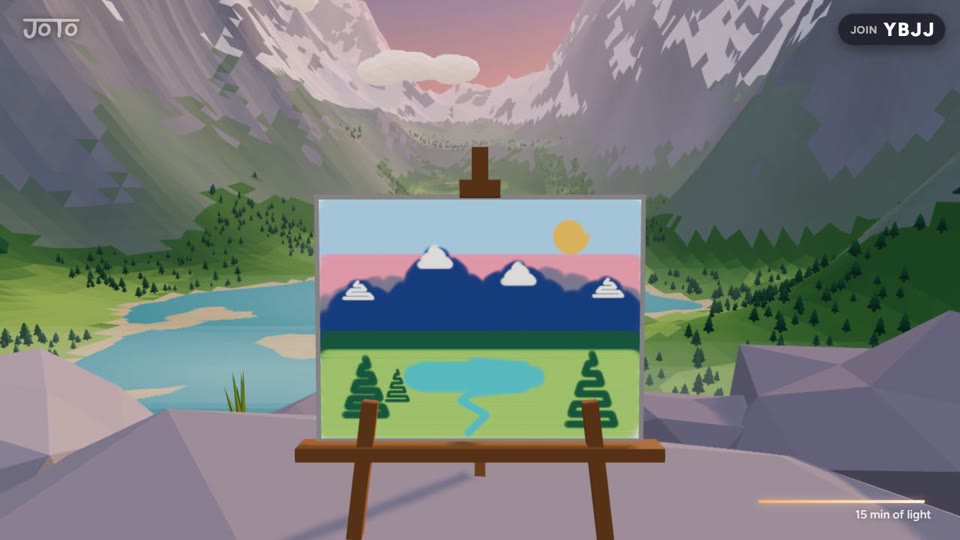
Overlook Beta
Sit on the cliff. Paint the view. -

Monster Party Beta
Knock them off. Be the last one standing. -

Unfairway
The course is made of your friends.
No game here is open to everyone yet. See what is on JoTo Play.
How it works
On the TV, open joto.games/party. It shows a room code and a QR code.
Everyone scans the QR code, or types the code at joto.games/join on their phone.
The first phone in picks the game on the TV and presses start. From then on each phone is its player's controller: buttons, a text box or a drawing pad, depending on the game.
Questions
- What do we need to play?
- A screen everyone can see — a TV with a web browser, or a laptop plugged into the TV — and a phone for each player. Everything runs in the browser.
- How many people can play?
- 1 to 10, depending on the game. Each game above says how many it takes.
- Does it cost anything?
- No. Every game here is free to play: no download, no app and no account.
- Do we have to be in the same room?
- These games are made for one room: everyone watches the same TV while they play on their own phone.